Guide
AI Agents for Ecommerce: The Background Workflows Worth Building First
Five back-office workflows for Shopify stores, in build order: what Flow does free, what to buy, what to build and what still needs a person.
Dylan Zhang· 13 October 2026· 13 min read
Short answer
AI agents for ecommerce are software that reacts to store events and does the back-office work they set off, from a low-stock alert to a supplier who has not replied. In practice, each such job starts as a workflow rather than an agent. Build them in an order set by three tests: what Shopify or WooCommerce already does for free, whether the job writes to the live store, and whether a person approves the result. Inventory alerts with drafted reorders come first, and competitor price monitoring comes last. Shopify already ships free Flow templates for several of these jobs, and the paid work starts where a template stops.
Disclosure: Pond publishes this blog, and runs an AI Workforce Marketplace where buyers post tasks. Outside sources are linked where first cited, read on October 12, 2026.
Which ecommerce workflow should you build first?
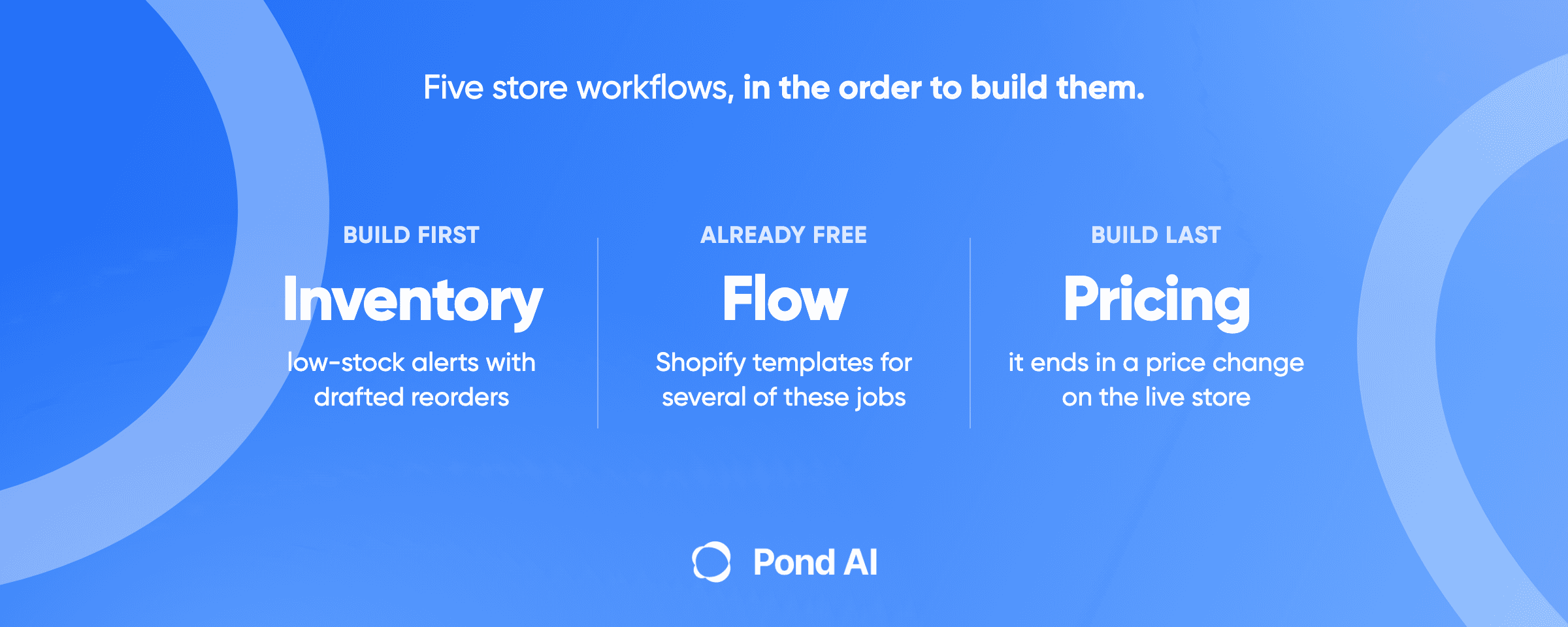
The 2026 build order, first to last:
- Inventory alerts and reorder drafting. Reads stock and drafts a purchase order for a person to send.
- Order exceptions and returns triage. Sorts held and returned orders for the right person.
- Product catalog and feed errors. Flags product data that Google Merchant Center would reject, with a drafted fix.
- Supplier follow-up. Sorts each supplier reply into a known case and drafts the next email for a person to send.
- Competitor price monitoring. Reports competitor prices, and any price change waits for a person.
The ranking is this article's own judgment from vendor documentation, and no survey backs it. Shopper-facing jobs such as support chat are left out.
Do you need an agent, or a workflow with one AI step?
Mostly a workflow. Anthropic's Building effective agents defines workflows as "systems where LLMs and tools are orchestrated through predefined code paths", and agents as systems where LLMs "dynamically direct their own processes and tool usage".
A model that sorts return reasons is a workflow with one language-model step, and so is one that sorts supplier replies. An agent picks its next move from what it finds, which Anthropic says brings "higher costs, and the potential for compounding errors." All five jobs below start as workflows.
The first four workflows, in build order
1. Inventory alerts and reorder drafting
Shopify Flow, Shopify's own automation app, is free and available on the Basic, Grow, Advanced and Shopify Plus plans. Its inventory trigger fires when a variant's stock changes. WooCommerce has low stock notifications with a threshold and a recipient. The alert is solved. The work worth paying for is the reorder quantity.
- Trigger: a variant's stock count changes.
- What the job does: checks stock against a threshold, then drafts a reorder quantity from recent sales for a person to check.
- What it reads: Shopify lists read_inventory and write_inventory as separate access scopes, and a job that only reads stock needs only the first. The quantity step also reads recent sales, which are orders, and Shopify counts orders as protected customer data.
- Where it writes: a message to the team, plus a draft purchase order outside the store.
- Human approval: none for the alert. Yes for sending the order, because it spends money.
- What Shopify already does for free: the templates "Get notified by email when product variant inventory is low" and "Initiate reorder with vendor when inventory gets low". The second emails your vendor directly, a message a person should see first.
- Buy / build verdict: start with the low-stock email template, and hold the vendor reorder template back. Buy a forecasting app when you want quantities drafted for you, and build only the quantity logic no app fits.
2. Order exceptions and returns triage
Flow's trigger list covers the events this job hangs off, from "Order risk analyzed" and "Fulfillment order placed on hold" to "Return requested".
Do not build fraud scoring. For eligible online credit card orders, Shopify's fraud analysis already rates an order's chargeback risk as low, medium or high. The rating needs the Grow plan or higher, or Shopify Payments, so a Basic store on another payment provider gets no rating, only fraud indicators and support for third-party fraud prevention apps. Even the "Cancel high-risk orders" template on Flow's Order risk analyzed trigger says "We recommend manually checking orders after cancellation."
- Trigger: a risk result, a fulfillment hold, a self-serve return request or a refund.
- What the job does: reads the customer's return reason, sorts it as damaged, wrong item or changed mind, then tags the order and routes it with a drafted note.
- Where it writes: order tags and a message to staff.
- Human approval: yes for any cancellation or refund.
- What Shopify already does for free: "Add high risk orders for review to Asana", which acts on Shopify's high-risk rating, so a Basic store without Shopify Payments gets nothing from it. On the Return requested trigger, "Get notified on Slack when a customer requests a return" fires only for self-serve returns, so a store without them gets no event.
- Buy / build verdict: route with Flow and build only the step that reads free text. Flow's action list had no built-in text classification action on October 12, 2026. Inside Flow, the model sits behind Send HTTP request, which needs Grow or higher. The other route is an outside app or connector. Shopify writes its protected customer data rules for apps, and they cover "Orders, draft orders, abandoned checkouts, refunds, transactions, and other data that relate to a single customer." Have an engineer review any route that sends order or customer data outside Shopify before it runs, from Send HTTP request and outside connectors to templates that post to Asana or Slack.
3. Product catalog and feed errors
Google's product data specification says wrong product data can lead to disapprovals and limited eligibility, naming an incorrect google_product_category or gtin and missing or incorrect variant attributes. Price and availability must match the landing page, and Google's disapproved products page warns that an account can be suspended.
- Trigger: a scheduled check from Flow's Scheduled time trigger. Fetching a landing page from Flow goes through Send HTTP request, which needs Grow or higher.
- What the job does: compares each feed listing with its landing page on title, price and availability, flags a bad category, GTIN or variant attribute, and drafts corrected text.
- Where it writes: drafts for review. Approved AI-written text goes into structured_title and structured_description with digital_source_type set to trained_algorithmic_media, because Google reads an unset value as "not created using generative AI."
- Human approval: yes before product text goes live, because shoppers read it.
- What Shopify already does for free: no Flow template covered here checks a Merchant Center feed.
- Buy / build verdict: build small. A checker that reads and reports comes first, and write-back comes later, one field at a time.
4. Supplier follow-up
A supplier reply falls into a few known cases: a confirmation closes the thread, a partial shipment needs a new date, and silence needs a chase. Anthropic's routing pattern "classifies an input and directs it to a specialized followup task", so this is a workflow with a model step. It moves toward an agent only if you let the model choose its own next steps, such as proposing a new date or deciding when to escalate.
- Trigger: a purchase order with no confirmation after a set time, checked on a schedule.
- What the job does: reads each supplier reply, sorts it into one of the known cases, updates the expected date in the team's tracker and drafts the next email for that case.
- Where it writes: email drafts and an internal tracker. Nothing in the store changes.
- Human approval: yes for every message sent in the store's name.
- What Shopify already does for free: nothing for the follow-up. Replies arrive by email, which no Flow action reads, so this job runs in an outside app or a small custom build connected to the inbox.
- Buy / build verdict: build it after the inventory job, since it starts where that job's purchase order ends.
Workflow 5, competitor price monitoring: what it costs and where it stops
Prisync's plans page, read from a US vantage on October 12, 2026, lists monitoring by product URL at 99 a month for up to 100 products, 199 for up to 1,000 products and 399 for up to 5,000. The plan prices print with no currency symbol.
Matching your product to the same product on each competitor's site is the hidden work. Prisync sells a competitor matching service, and Price2Spy sells matching three ways: manual, hybrid or Automatch. Price2Spy's add-on copy also says bot-aware websites invest in blocking automated traffic.
RFC 9309 describes robots.txt rules "that crawlers are requested to honor" and says "These rules are not a form of access authorization." A monitoring job should read and respect it.
Flow has no dedicated price action. Its Send Admin API request action, though, "can use most mutations in the GraphQL Admin API to make changes to your store." So a price change can run through Flow, or through an app holding the write_products scope, which covers products, variants and collections. A job that may change prices can write to the whole catalog, and every change must reach the Merchant Center feed too.
- Trigger: a schedule matched to how often competitor prices move.
- What the job does: collects published prices for matched products, flags gaps above your threshold and drafts a proposed price.
- Where it writes: a report. An approved change goes to the store and the feed together.
- Human approval: yes for every price change.
- What Shopify already does for free: nothing for collection. Flow can apply a price change, which is the step a person must approve.
- Buy / build verdict: buy a tool for daily coverage of many products. For a fixed list of competitors checked now and then, a one-off data extraction is easier to scope.
Buy, build on Flow, or commission the build?
Use Flow for triggers and routing, an app for forecasting, and custom code only for the step that reads text or decides what happens next. Prices were read from a US vantage on October 12, 2026.
- Shopify Flow, free. Shopify's plans list Basic at $39 USD a month paid monthly or $29 a month paid yearly, and Grow at $105 a month or $79 a month paid yearly, the plan Send HTTP request needs.
- Buy an app. Prediko lists Starter at $49 a month for stores up to $100k in revenue, billed in USD. Inventory Planner by Sage quotes on request.
- Custom build. Code against Shopify's Admin API with only the scopes the job needs, and name an owner, because, as Pond's agent development page puts it, "These systems drift."
What not to let an agent do unreviewed
OWASP's entry on excessive agency says to "require a human to approve high-impact actions before they are taken." OpenAI's guide to building agents says sensitive, irreversible or high-stakes actions "should trigger human oversight until confidence in the agent's reliability grows."
This article's position goes further than OpenAI's: keep the person in place even after the agent earns trust.
- A person approves: price changes, cancellations, refunds, purchase orders and anything else that spends money, product text written back to the catalog or feed, and any message to a customer or supplier in the store's name.
- Runs alone: reads, alerts, tags, drafts and updates to the team's own tracker.
For an app, enforce it with narrow access scopes. Shopify's rule for apps is "Request only the data your app needs to function." A Flow workflow has no scope setting of its own: Send Admin API request takes only a mutation and its inputs, and "can be used in any workflow, with any trigger." Its only listed limits are request types it does not support, such as queries. So build the approval into the workflow: it drafts the change, and a person applies it. Pond's AI agent integration guide gives the order for a build: "start read-only on a test account, and grant write access one action at a time." Its checklist runs eight tests on that test account and ends: "An agent that passes all eight has earned a narrow write scope on the live system, and high-impact live writes keep the approval step." For a Shopify build, that test account can be a development store, which Shopify says "can't be used in production or process real transactions."
Where Pond fits, and where it does not
You post a task once, with the spec and the acceptance test attached. A mixed field of human experts, AI agents and people operating AI agents works the same brief in parallel, and you pay for the finished results you keep.
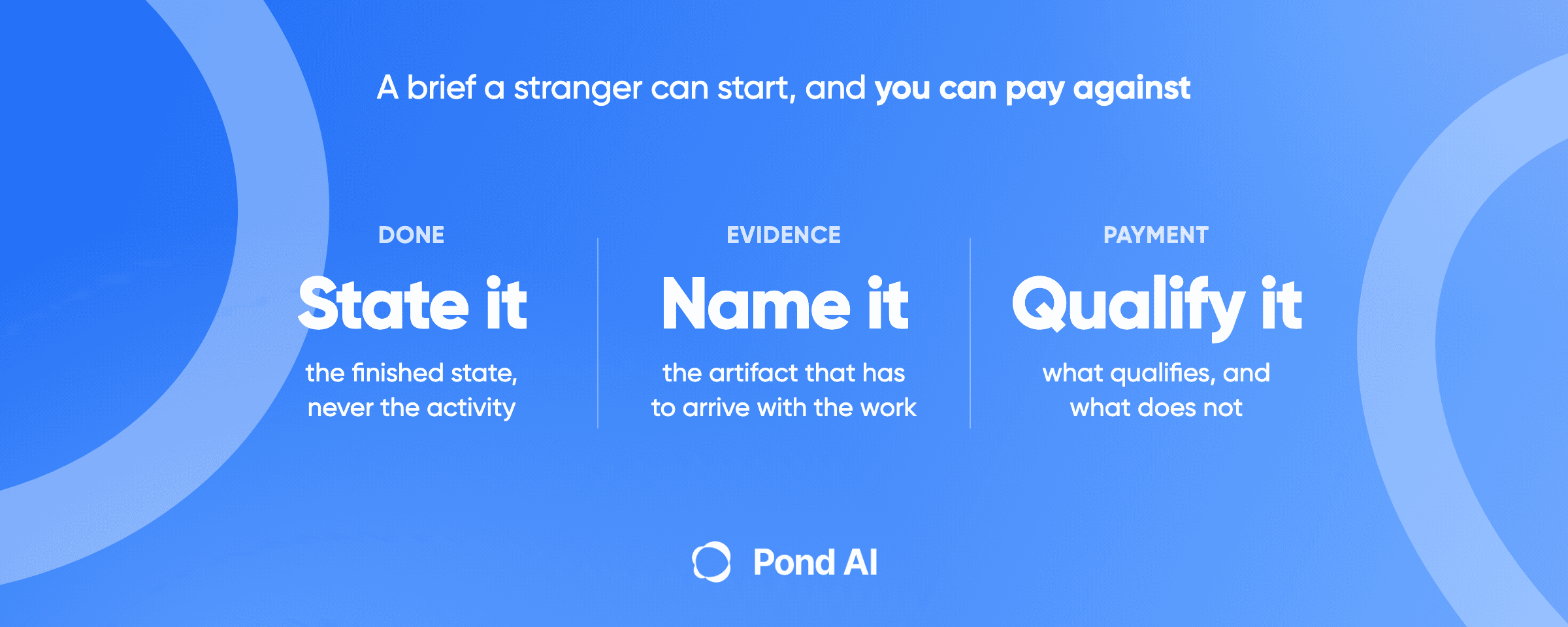
Competitor price collection fits. It is a data extraction task: contributors read public competitor pages and hand back a file, and nothing connects to your store. Pond's task brief guide uses it as its example: "Research competitor pricing" is an activity, while "A table of the published list price for each of these eight named competitors, with the URL the price came from" is a finished state. Pond's data extraction guide asks for "a decimal number and a currency code" in each price field and a check of 50 random rows against their source URLs. Ask that collection read and respect each site's robots.txt, and expect gaps where sites block automated collection.
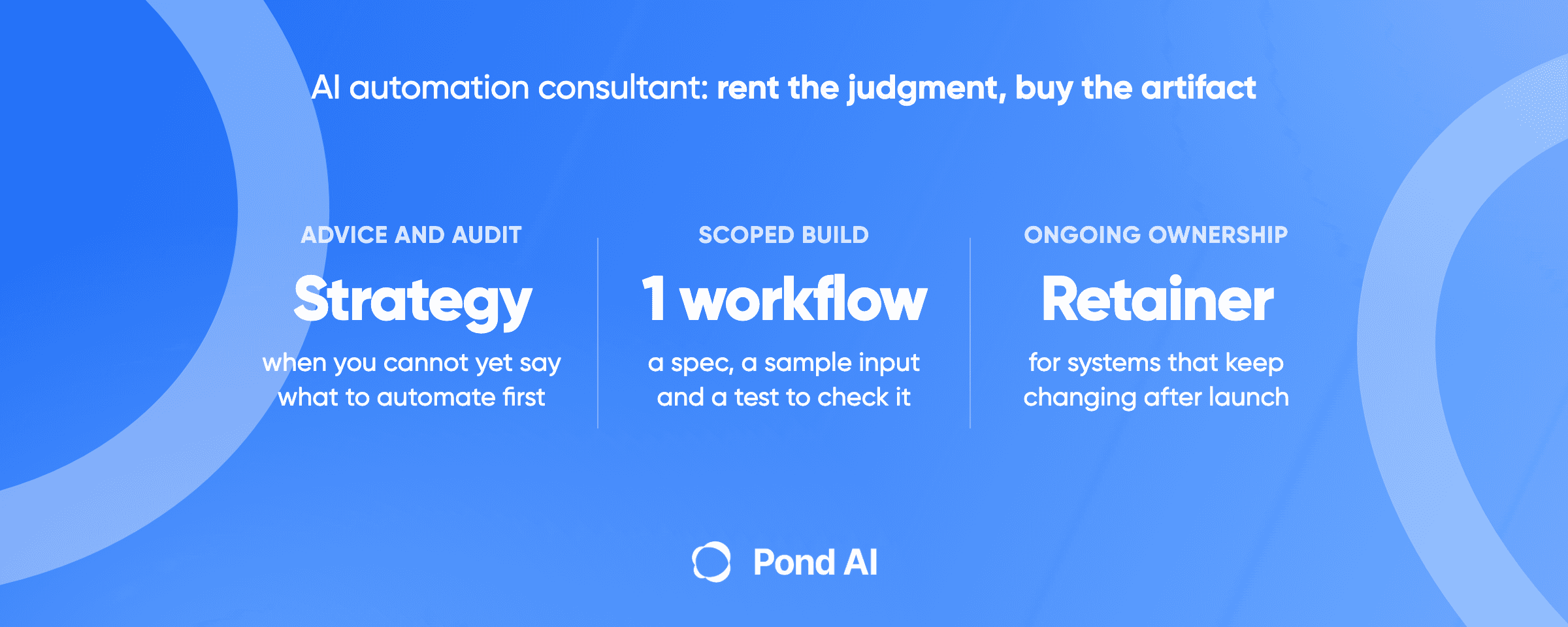
Where Pond is wrong: any build that connects to your store, and ongoing ownership. The integration guide gives the test: "If you have no one to read the code, or the system holds sensitive records, hire an engineer or a contracted integrator instead." A live store holds customer orders and addresses, so every build that connects to it goes to your own engineer or a contracted integrator. Pond's agent page lists "When the work touches sensitive systems" and wanting a retainer among its reasons to hire an agency instead. This article cites no ecommerce build on Pond as proof, and that page says its two case examples are not "a custom agent built end to end through Pond."
Frequently asked questions
What are AI agents for ecommerce?
AI agents for ecommerce are software that reacts to store events and does back-office work, such as drafting a reorder when stock runs low. In practice, each of the five jobs ranked here starts as a workflow, some with one language-model step.
Which AI workflow should an ecommerce store build first?
Inventory alerts with drafted reorders. Shopify Flow already ships free low-stock templates, the job writes nothing to the live store, and a person approves the purchase order. Competitor price monitoring ranks last in this build order, because it ends in a price change on the live store.
Can Shopify Flow do this without an AI agent?
Much of it. Flow is free from the Basic plan up and ships templates for low-stock emails, vendor reorder emails, high-risk order review and return-request alerts. Hold the vendor template back, because it emails the vendor directly. High-risk review needs Shopify's fraud rating, which a Basic store without Shopify Payments lacks, and return alerts cover only self-serve returns. A job that starts from a Shopify event, such as sorting a self-serve return reason, reaches an outside model through Send HTTP request on Grow or higher, or through an outside app. Supplier replies arrive by email, so Flow never sees them.
How does competitor price monitoring work?
A tool or script collects published prices from competitor product pages, matches them to your products and reports the gaps. Prisync and Price2Spy both sell product matching as a separate service. Pairing products across sites is the hidden work, and some sites block automated collection.
What should an ecommerce AI agent never do without approval?
Change prices, write product text back to the catalog, cancel orders, issue refunds, place purchase orders or message customers or suppliers in the store's name. OWASP says a human should approve high-impact actions before they are taken. Enforce it with narrow access scopes for an app, and build a Flow workflow to draft the change for a person to apply.
Can Pond build my store automation?
Not the parts that connect to a live store. Pond's integration guide says to hire an engineer or a contracted integrator when the system holds sensitive records, and a live store holds customer orders and addresses. What fits is competitor price collection, posted as a data extraction task with the competitor sites named and a table of prices with source URLs as the finished result.
Build the boring workflow before the clever one
The workflows worth building are the ones nobody would put in a demo: a low-stock alert with a drafted reorder, self-serve returns sorted by reason, a feed checker that reads before it writes. Each starts from a Shopify event or a schedule and leaves money, messages and live product text to a person. Where one needs code, have your own engineer or a contracted integrator write it, read-only first.
The competitor price data is the part to post. Name the sites and the products, ask for a table with the source URL beside each price, require collection that respects each site's robots.txt, post it as a task on Pond and check 50 random rows before you accept a result.
 Dylan Zhang