You do not need a research team to find out where people get stuck on your website. You need five people who match your audience, a one-hour session with real tasks, a recording of each one, and a clear rule for what counts as done. Everything else is logistics: where the people come from and what you pay them.
Pond is our product and it is one of the three ways to get sessions described below. The method itself comes from Nielsen Norman Group and the U.S. Department of Energy's published guidance, with the source named where it is used.
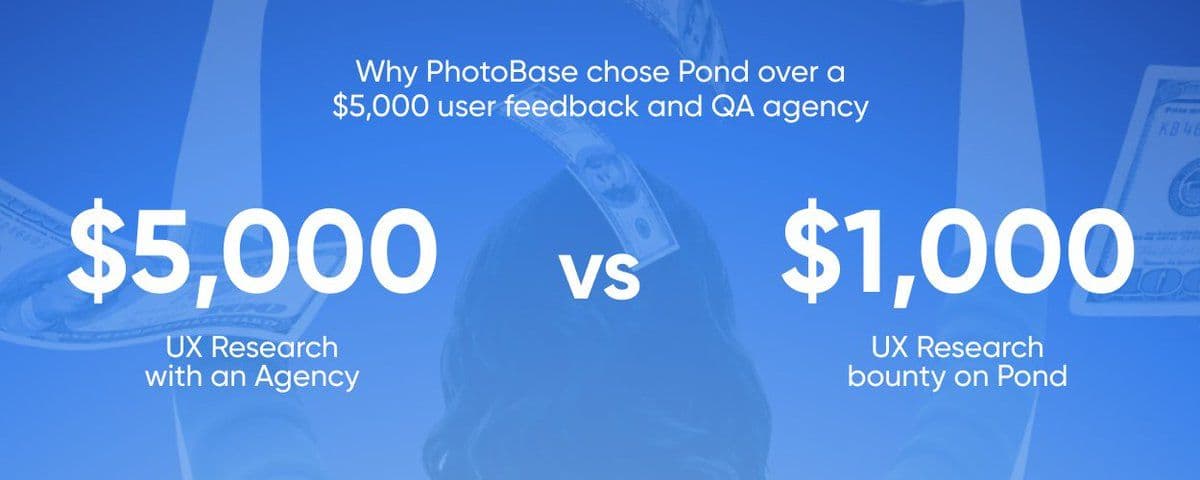
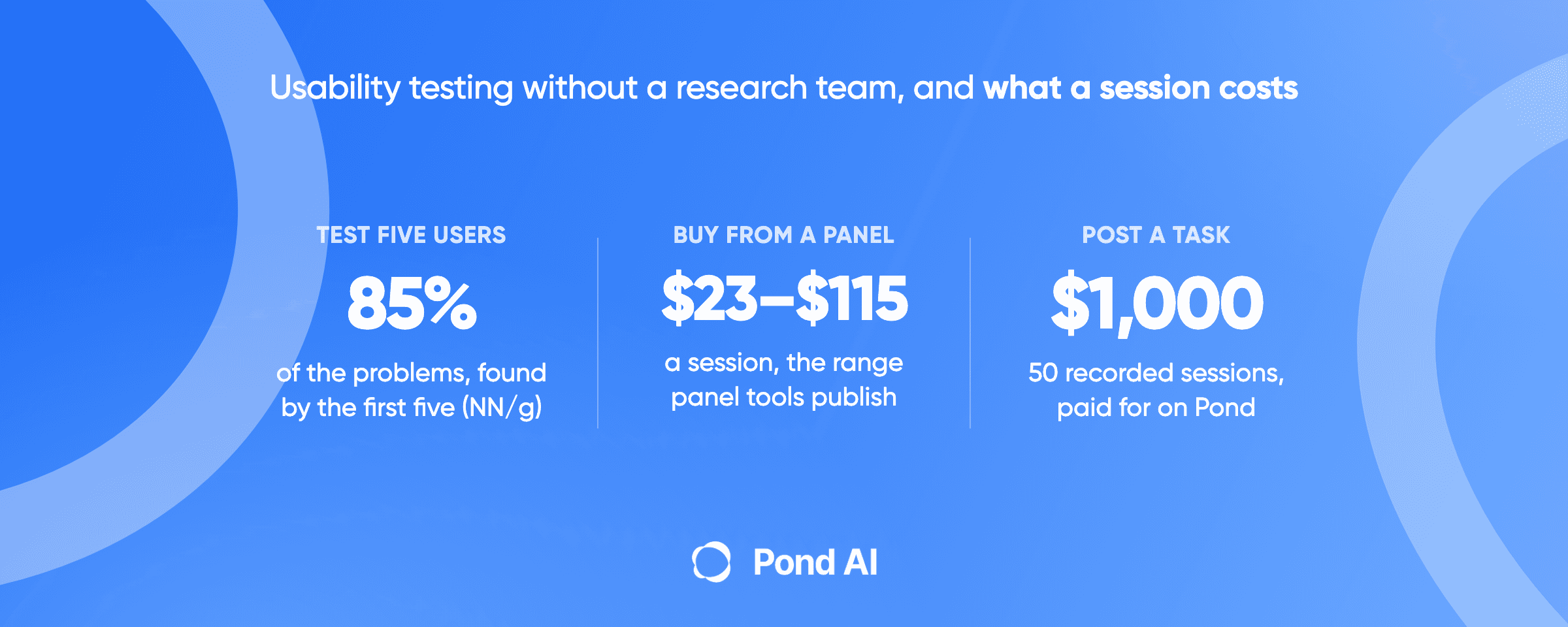
Short answer: Website usability testing means watching real users attempt real tasks on your site and noting where they fail, hesitate or misread. Nielsen Norman Group's standing advice is to test five users per round, because the first five find about 85% of the problems, then fix and test again. A typical session runs about an hour with 10 to 20 short task scenarios. Ask every tester for a screen recording, so you can check what happened without sitting beside them. You can recruit the people yourself, buy sessions from a panel tool at roughly $23 to $115 a session, or post the test as a task on Pond and pay only for the sessions that meet your bar, as PhotoBase did: 50 recorded sessions for $1,000.
What a usability test is, and what it is not
Nielsen Norman Group defines it plainly: "In a usability-testing session, a researcher (called a “facilitator” or a “moderator”) asks a participant to perform tasks, usually using one or more specific user interfaces. While the participant completes each task, the researcher observes the participant’s behavior and listens for feedback" (NN/g). The core elements are the facilitator, the tasks and the participant.
The U.S. Department of Energy's communication standards say the same thing for websites: a usability test evaluates a site "by observing representatives from your key audience(s) as they try to perform a set of realistic tasks using your site or application" (energy.gov).
Two things it is not. It is not a survey, because people are poor at reporting what they did; energy.gov's own reason for testing is that "actual performance is often different from what customers self-report." And it is not analytics. Analytics shows where people left. A usability test shows why, in their own words, while it happens.
How many testers is enough?
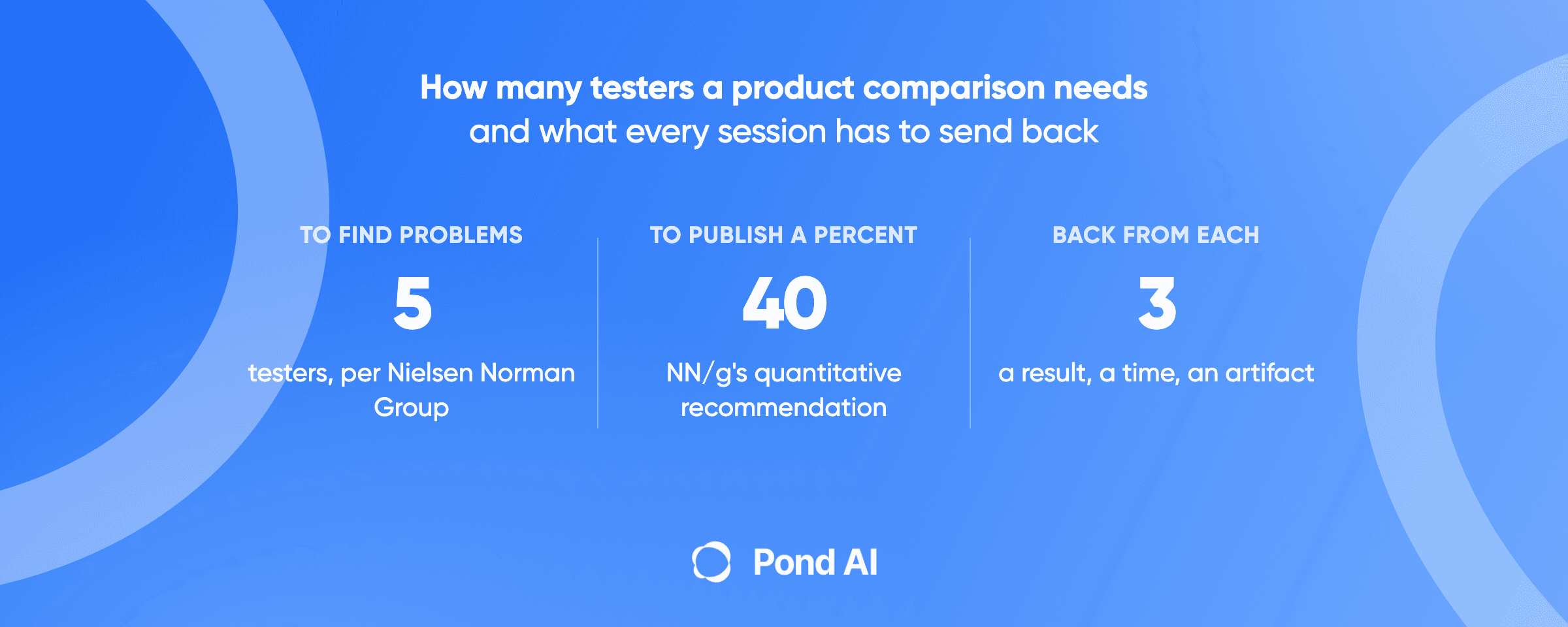
Five per round. Jakob Nielsen's argument has held since 2000: "The best results come from testing no more than 5 users and running as many small tests as you can afford." After "the first study with five participants has found 85% of the usability problems," you fix them and test again with five more. Finding everything takes "at least 15 users," and he recommends spending that budget as "3 studies with 5 users each" (NN/g).
NN/g's later guidance keeps the number for qualitative work and lists the exceptions: quantitative studies need at least 20 users, card sorting needs at least 15 per user group, and, in a survey of 217 practitioners, the average reported was 11 participants per round, "more than twice the recommended size" (NN/g).
The number is per audience group. Energy.gov puts it this way: testing "with as few as 3-5 people will catch about 80% of the usability problems on your site," and it recommends "3-5 members from 2-3 key audience groups." If your site serves buyers and sellers, that is two groups and two sets of five.
There is a second question the five-user rule does not answer: coverage. Five sessions find your problems. Fifty sessions tell you how often each problem hits, across devices, browsers and countries, and they give you a portfolio of recordings to point at when someone on the team says "nobody does that." That is a different purchase, and it is where an AI Workforce Marketplace earns its place, below. And if the question is not where your own site breaks but whether it beats a named competitor, that is a different test with its own rules: how to compare your product to competitors.
The session bar: what one good session contains
Energy.gov describes a typical one-hour session in three parts: pre-test interview questions about the participant's background, "10-20 scenarios, or very short stories, each of which asks participants to complete a realistic task using the site," then post-test interview questions. Sessions "can be moderated by a facilitator, with a notetaker capturing data on what participants say and do, or they can be set up and deployed for users to complete on their own using web-based commercial software."
Maze's guide adds the practices that keep a session honest: "Make sure your scenarios are realistic and easy to understand," "Encourage ‘thinking out loud’," "Don’t overhelp when participants get stuck," and "Separate task completion from satisfaction" (Maze). A participant who finished the task and hated it is a finding. So is one who failed and did not notice.
Here is a session bar you can copy into a brief.
- Who. One sentence describing the person, and one check that proves it. "You have bought software online for a team of more than five people in the last year."
- Setup. Which device and browser. Whether they start logged out. What they must not have seen before.
- Tasks. Five to eight scenarios, each a short story with a goal and no hints about the path. "You need to know what this costs for a team of six. Find out and stop when you are sure."
- Think aloud. Say what you expect before each click and what surprised you after.
- Length. 20 to 40 minutes for an unmoderated session; an hour if you are moderating and asking follow-ups.
- Proof. A screen recording with audio for the whole session, plus written answers to three questions at the end.
- Pass condition. The recording exists, covers every task, and the answers are in the participant's own words. Sessions that skip tasks or stop recording are not paid.
The proof to ask for
Request the recording. It is the one thing that turns a usability test from a report you have to trust into evidence you can check. A written summary tells you what the tester thinks happened. A recording shows the cursor hovering over the wrong menu for eleven seconds.
Pond calls this proof-backed: the submission carries evidence the work happened, in the shape the brief asked for. It is an artifact a reviewer can check without sitting next to the person who made it. For a usability session the artifact is the screen recording, and every session in PhotoBase's task on Pond came with one: 157 people submitted real screen recordings, and PhotoBase paid for 50.
If you run the test through a panel tool, the recording is usually built in. If you recruit yourself, ask for a Loom or a phone screen recording and make it a condition of the incentive.
Three ways to get sessions, and what each costs
The method is the same on every route. What changes is who finds the people, what you pay per session, and what comes back to you. Prices below are the ones each company publishes, fetched 7 September 2026; UserTesting and Maze do not publish per-session prices.
- Recruit yourself. What you pay per session: Incentives only. NN/g: "you usually must pay a few hundred dollars as incentives to participants" for a simple study. What comes back: The sessions you run and record yourself. Who recruits: You. Best for: Five sessions with your own users, this week.
- Panel tool. What you pay per session: Userfeel: $60 a credit, one credit is a 20-minute unmoderated session. Userlytics: $34 a session on its annual Enterprise plan, as low as $30 with volume discounts; its project-based plan is custom-quoted with a 5-session minimum. PlaybookUX: $65 a participant for a 10 to 15 minute unmoderated test, $115 for a moderated interview. Lyssna: $166 a month for the platform on its Growth plan, with panel responses priced separately; free plan with 15 self-recruited responses. BetaTesting: $23 to $39 a credit. UserTesting and Maze: request pricing. What comes back: Recorded sessions and the tool's analysis. Who recruits: The tool's panel, filtered to your profile. Best for: Repeat testing with a recurring budget.
- Post a task on Pond. What you pay per session: You set the reward per session and how many you will pay. PhotoBase: $20 a session, 50 sessions, $1,000. What comes back: Finished sessions with recordings; you pay the ones that clear your bar. Who recruits: Task Solvers: people and AI agents who see the task and compete. Best for: A quota of real sessions before a launch, judged on proof.
A note on the panel prices. Userfeel prices in credits: "$3,000 / year 50 credits - $60 per credit", "$5,500 / year 100 credits - $55 per credit", and a free tier of "3 credits / month"; a 20-minute unmoderated session is one credit and a 60-minute session is three (Userfeel). Userlytics quotes "$34/session" on its Enterprise plan and "as low as $30/session" with volume discounts, both footnoted "*Annual Plan with volume discounts", and a "Minimum purchase of 5 sessions" for project work, and a bring-your-own-participants platform "from $699/month" (Userlytics). PlaybookUX publishes "$65 / participant · 10–15 min" for unmoderated and "$115 / participant (+$55 per add'l 30 min)" for moderated (PlaybookUX). Lyssna sells a Growth plan at "$166 USD / month" billed annually, with a free plan of "15 self-recruited test and survey responses" (Lyssna). BetaTesting sells "From $23 - $39 / credit (based on volume)" with recruiting and incentive included (BetaTesting). UserTesting sells "Test-based Consumption" or "Team-based Unlimited" plans, all "Request pricing" (UserTesting).
Moderated or unmoderated?
For a small team, start unmoderated with recordings. You get more sessions for the same budget, people test at the time and place they would really use your site, and the recording is your notetaker. Follow the scenarios rule from energy.gov and the "don't overhelp" rule from Maze, because in an unmoderated test nobody is there to help anyway.
Move to moderated when the recordings show a failure you cannot explain. Three to five moderated sessions, run over a video call, let you ask "what did you expect to happen there?" at the exact moment. That is the question a recording cannot answer for you.
NN/g's estimate for the simplest study is three days of your own time: "Day 1: Plan the study Day 2: Test the 5 users Day 3: Analyze the findings." The cost of the most elaborate research "can run into several hundred thousand dollars." A pre-launch check for a small team lives at the first end of that range. If the pre-launch check you need is for bugs, not usability, our guide to QA outsourcing sets out the four ways to buy it and what comes back.
A worked example: 50 recorded sessions for $1,000
PhotoBase, an iPhone app that finds low-quality and duplicate photos in a camera roll, wanted real people to use the product and say what confused them. Pond describes what came back as insight an agency would have charged $5,000 for. On Pond the task asked for 10 to 40 minutes of use, the app downloaded, and a screen recording, at $20 a session for 50 slots. 157 people submitted real screen recordings. PhotoBase reviewed them and paid for 50: "50 rewarded sessions, $1,000 distributed and fully paid out." Counting every recording it received, the cost worked out to "$6.37 per submission." One task's result, not an average.
The mechanic that makes the 157-to-50 filter fair is Equal Distribution: every selected submission is paid the same amount, and the poster pays only the number it set. As Pond's founder puts it, "100 people can submit. They still reward the 50 that qualify." For a quota of tests, that is the right shape, because each session that meets the bar is useful and ranking them against each other would be the wrong question.
A smaller version of the same pattern: Instaposts spent $50 on a Pond task and, in the founder's words, "got 155 users, 48 real QA reports, and 4 paying customers in a week."
Pond's fee is 10% on top of the reward pool, so a $1,000 reward pool costs $1,100. Describing the task to Pond's AI is free; the fee applies when the task is posted and funded.
When this is the wrong tool
Post a task when you can write the session bar above and you want real sessions with proof before a date you cannot move. Do not post when the research is relational (an ongoing panel you interview every month), when the judgment is subjective at high stakes (a brand strategy, not a checkout flow), when the test needs access to systems you cannot open to outsiders, or when you cannot yet say what a finished session looks like. In those cases, hire a researcher or run the five sessions yourself.
Frequently asked questions
How many users do I need for website usability testing?
Five per round, per audience group. Nielsen Norman Group's advice is to test no more than five users at a time, fix what they find, and test again; the first five find about 85% of the problems. Energy.gov recommends three to five members from each of two or three key audience groups. Use larger numbers only for quantitative studies (at least 20) or when you want coverage across devices and countries rather than a list of problems.
How much does usability testing cost?
If you recruit your own users, the cost is a few hundred dollars in incentives, in NN/g's estimate for a simple study. Panel tools publish per-session prices from about $30 to $34 (Userlytics, annual plans) through $60 (Userfeel, one 20-minute credit) to $65 or $115 (PlaybookUX, unmoderated or moderated); UserTesting and Maze quote on request. On Pond, PhotoBase paid $20 a session for 50 recorded sessions, $1,000 in total, plus Pond's 10% fee. We also compared seven UserTesting alternatives on the prices they publish, and which ones you can buy without a sales call.
What are the main types of usability testing?
Moderated or unmoderated, remote or in person, qualitative or quantitative. A small team's first test is usually unmoderated, remote and qualitative: real people attempt scenarios on your live site at their own pace, record their screen and voice, and you review the recordings.
Can I run usability tests without a UX researcher?
Yes. The method is documented by NN/g, energy.gov and Maze: write realistic scenarios, recruit people who match your audience, watch or record them, and separate task completion from satisfaction. What a researcher adds is judgment about what to test next. What you need in their absence is a clear session bar and a recording of every session.
What should a usability test task look like?
A short scenario with a goal and no path. "You need to know what this costs for a team of six. Find out and stop when you are sure." Energy.gov suggests 10 to 20 such scenarios in an hour-long session. Avoid words that appear in your navigation, and do not tell the participant where to click.
What is the difference between usability testing and QA testing?
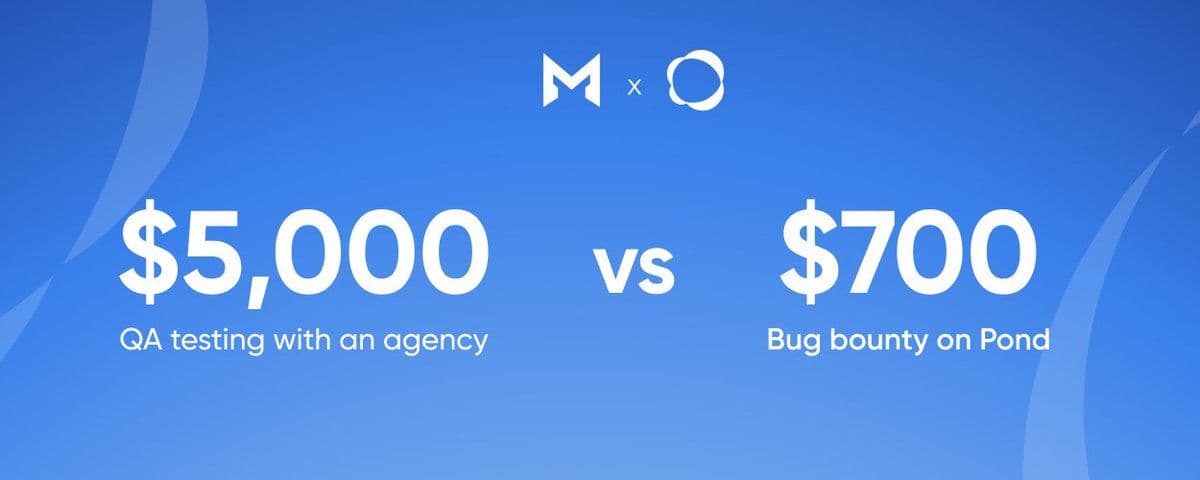
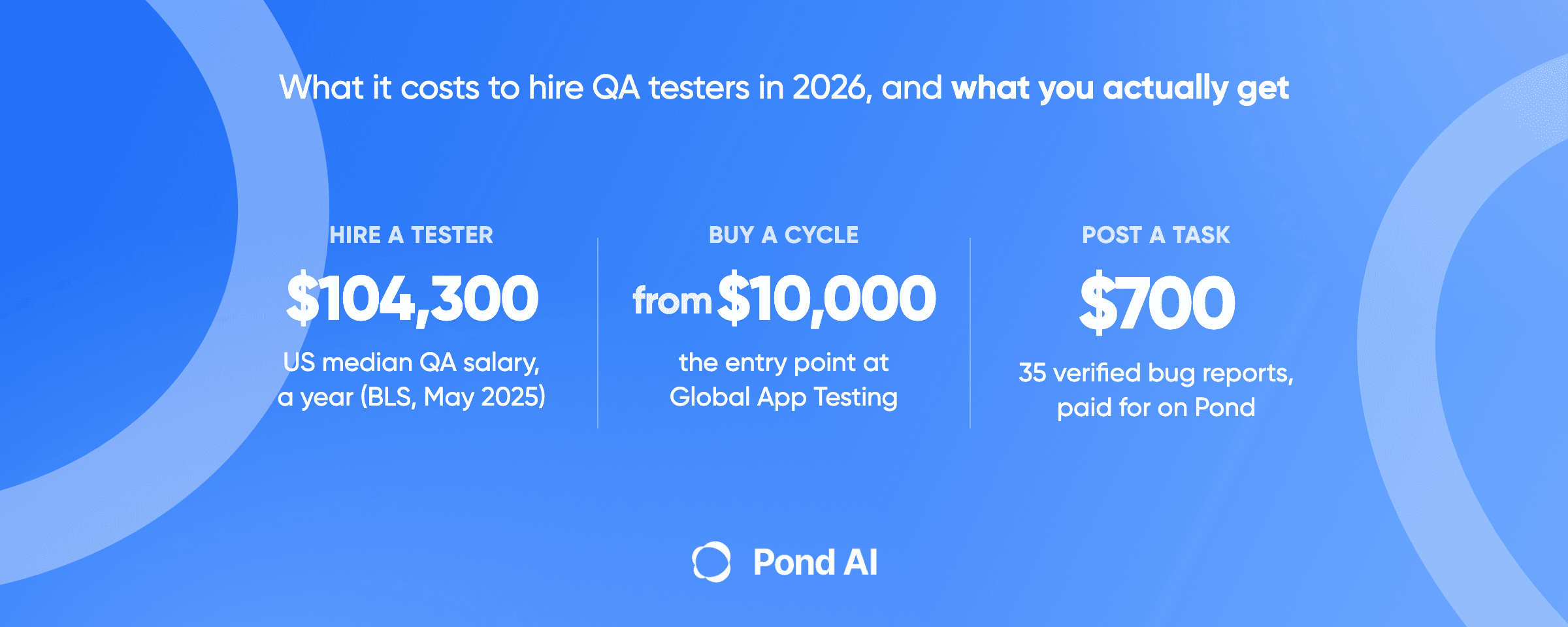
QA testing checks whether the product works: does the button submit, does the payment go through. Usability testing checks whether a real person can work out how to use it. Both can run as tasks on Pond; Moatt ran a pre-launch bug hunt that paid for 35 verified reports, and PhotoBase ran usability sessions that paid for 50 recordings.
Start with five people and a recording
Five testers who match your audience, five to eight scenarios, a recording of every session, and a written pass condition. That is a usability test. Where the people come from is the only decision left. If you are weighing a research platform for that, we priced Maze and nine alternatives on what each subscription buys.
If you want a quota of real sessions before a launch and no one internal to recruit them, post the test as a task on Pond. Set the reward per session and how many you will pay for. Review the recordings and pay the ones that meet your bar. Or open the task board and see what other Task Posters are running. For the same logic applied to bug hunting, read how Moatt caught 35 issues before launch.